
A Complete Guide to Network Testers: Types, Applications and Leading Brands
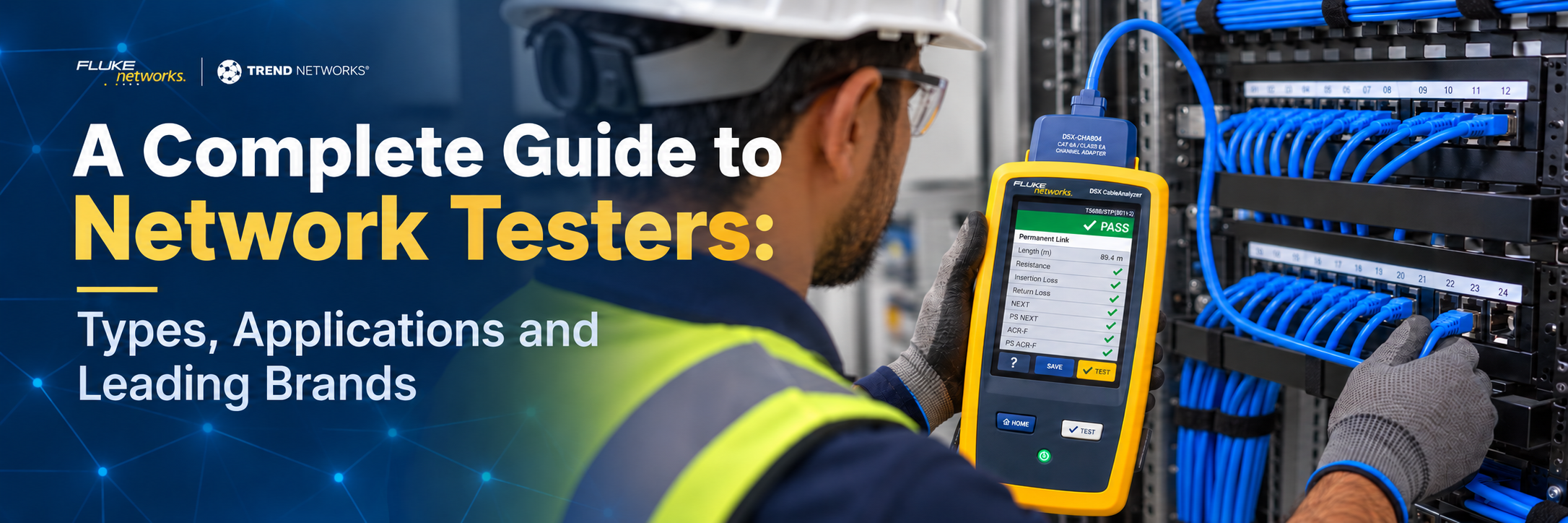
Modern networks are more than just switches & cables. Network testers are mandatory to verify performance and locate faults when installing structured cabling in a commercial building or commissioning a data center, to ensure they meet required standards.
The challenge is that "network tester" is a broad term. A simple cable verifier and a professional cable certifier may both test an Ethernet cable, but they perform very different jobs. Fiber networks introduce another range of instruments and fiber inspection systems. This guide covers the handheld instruments technicians use on cables, ports, and fiber links.
Leading manufacturers such as Fluke Networks, TREND Networks, and NetAlly offer instruments covering different parts of this testing landscape.
What Is a Network Tester?
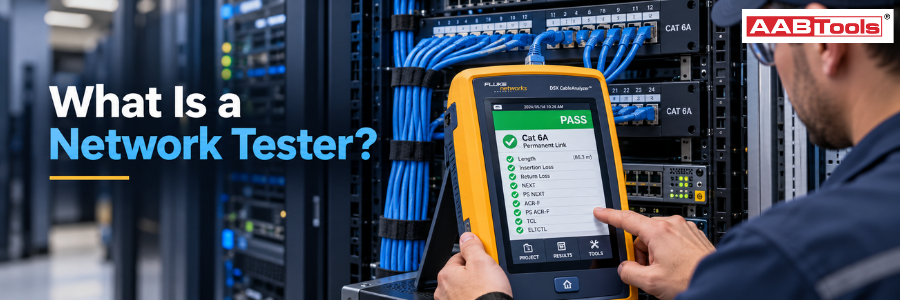
A network tester is a handheld instrument that checks the physical link, live network, or data flow between network components like servers, routers, and switches running over it. It also proves a link supports a given Ethernet speed, certifies cabling to TIA and ISO/IEC standards, diagnoses switch, VLAN and PoE problems. A network cable tester is the most common kind. Technicians use it on copper Ethernet cabling during installation.
How does a network cable tester work?
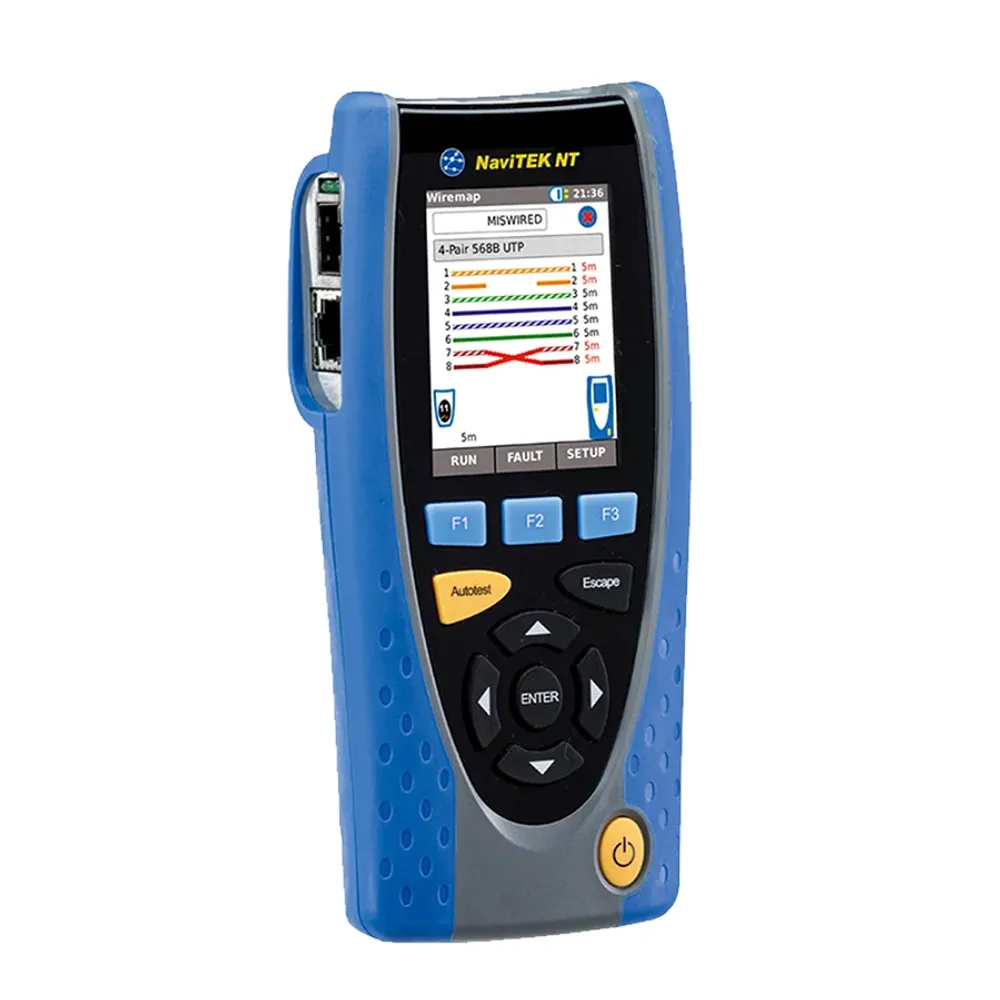
A basic network cable tester works by sending a small electrical signal through each conductor in a cable to check continuity, correct wire order and physical wiring faults. It typically consists of two parts, a main unit connected to one end of the cable and a remote unit connected to the other. The main unit sends signals sequentially through the individual conductors. For example, all eight wires of an RJ45 Ethernet cable. If each signal reaches the correct pin at the remote end, the connection passes and the combined results produce a wiremap. On simpler testers, LEDs numbered 1 to 8 illuminate in sequence to show whether the wires are correctly connected or whether faults such as opens, shorts, crossed pairs or miswires are present.
More advanced cable testers use TDR. Instead of only checking continuity, TDR sends a pulse along the cable and measures the time taken for reflections to return. This allows the tester to estimate cable length and the distance to faults such as opens or shorts.
Professional cable certifiers go considerably further by testing the cable across a range of frequencies and measuring parameters such as insertion loss, crosstalk, return loss and other performance characteristics. These measurements are compared against defined cabling standards to determine whether an installed link meets the requirements for categories such as Cat 6, Cat 6A or Cat 8.
Cable Verifiers: Basic Installation and Fault Checking
A cable verifier is the simplest professional network cable tester. it confirms that every conductor in a copper cable is connected and terminated to the right pin, and flags the wiring faults that stop a link from working.
Cable verification is generally the starting point for copper network testing. A cable verifier helps technicians determine whether a cable has been installed and terminated correctly. Depending on the instrument, it can identify common problems such as:
- Opens and shorts
- Reversed or crossed pairs
- Split pairs
- Incorrect wiremap
- Cable length
- Distance to a cable fault
- Cable identification
- Shield continuity
- PoE availability
These testers are particularly useful during installation, maintenance and first-line troubleshooting. Products such as the Fluke Networks MicroScanner series and TREND Networks VDV II series address this part of the market, alongside cable verification products from brands such as Klein Tools, Softing IT Networks and other manufacturers.
Cable Qualification Testers
A cable qualification tester shows whether an installed link can carry a specific Ethernet application, such as 1, 2.5, 5 or 10 Gb/s, without certifying it to a cabling category.
Qualification sits between basic verification and full certification. A cable qualification tester answers a practical question- Can this installed cable support the network application I intend to run? Depending on the tester, technicians may be able to assess cable performance for Ethernet speeds, identify connected switches, determine port information, test PoE capabilities and troubleshoot active network connections.
This category is particularly valuable for IT departments, facilities teams, system integrators and network maintenance technicians who are troubleshooting existing infrastructure rather than certifying a newly installed structured cabling system.
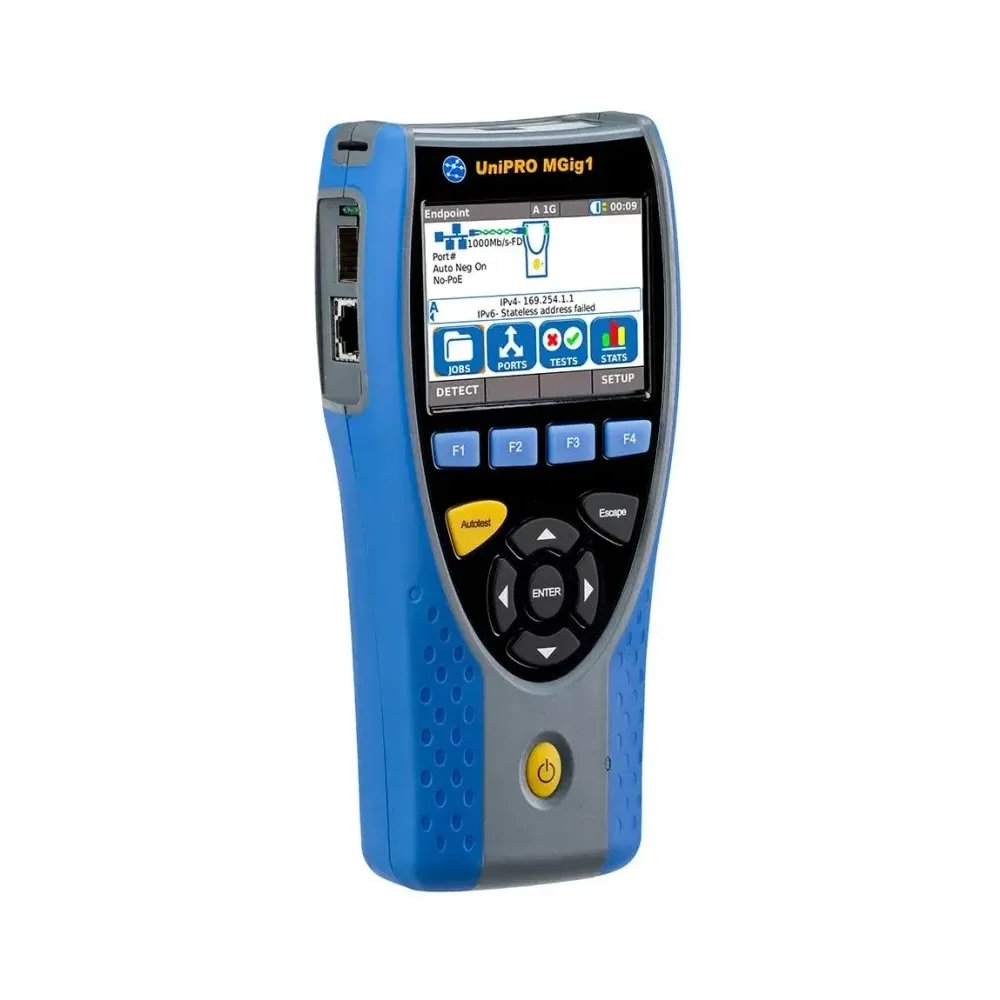
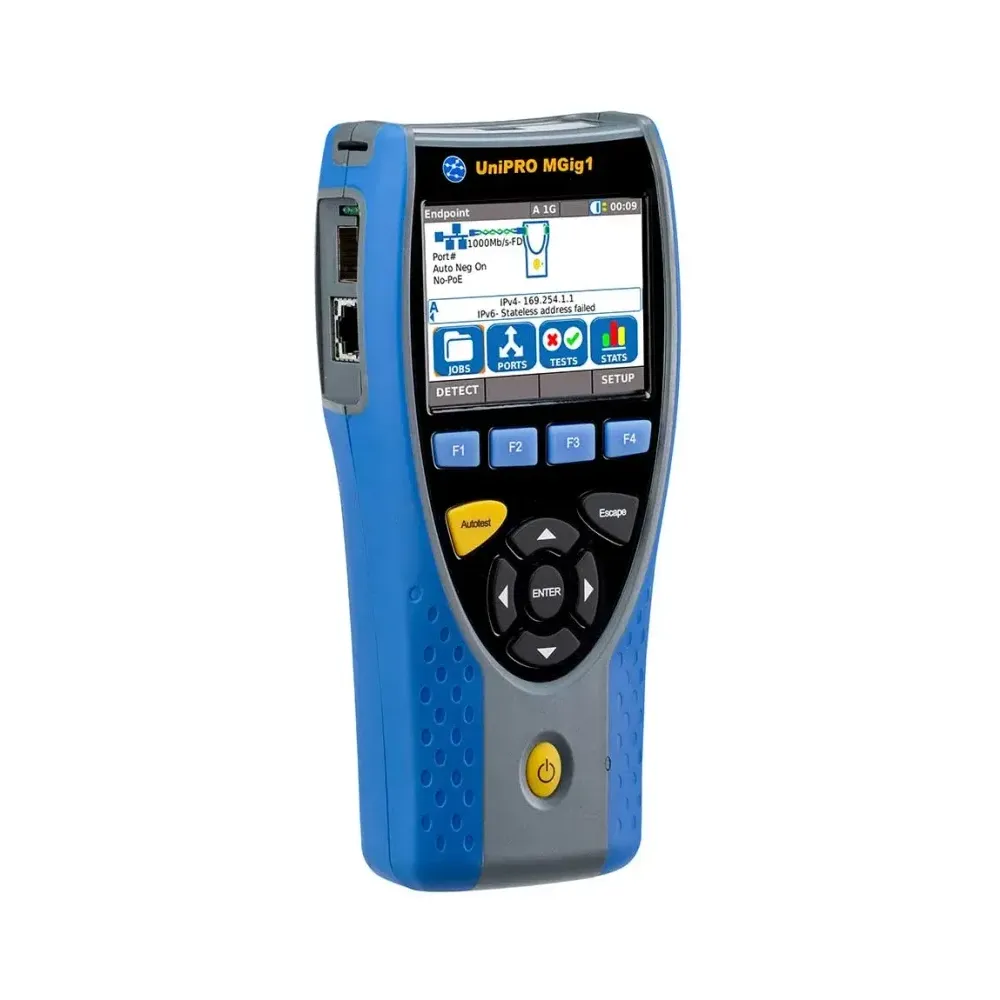
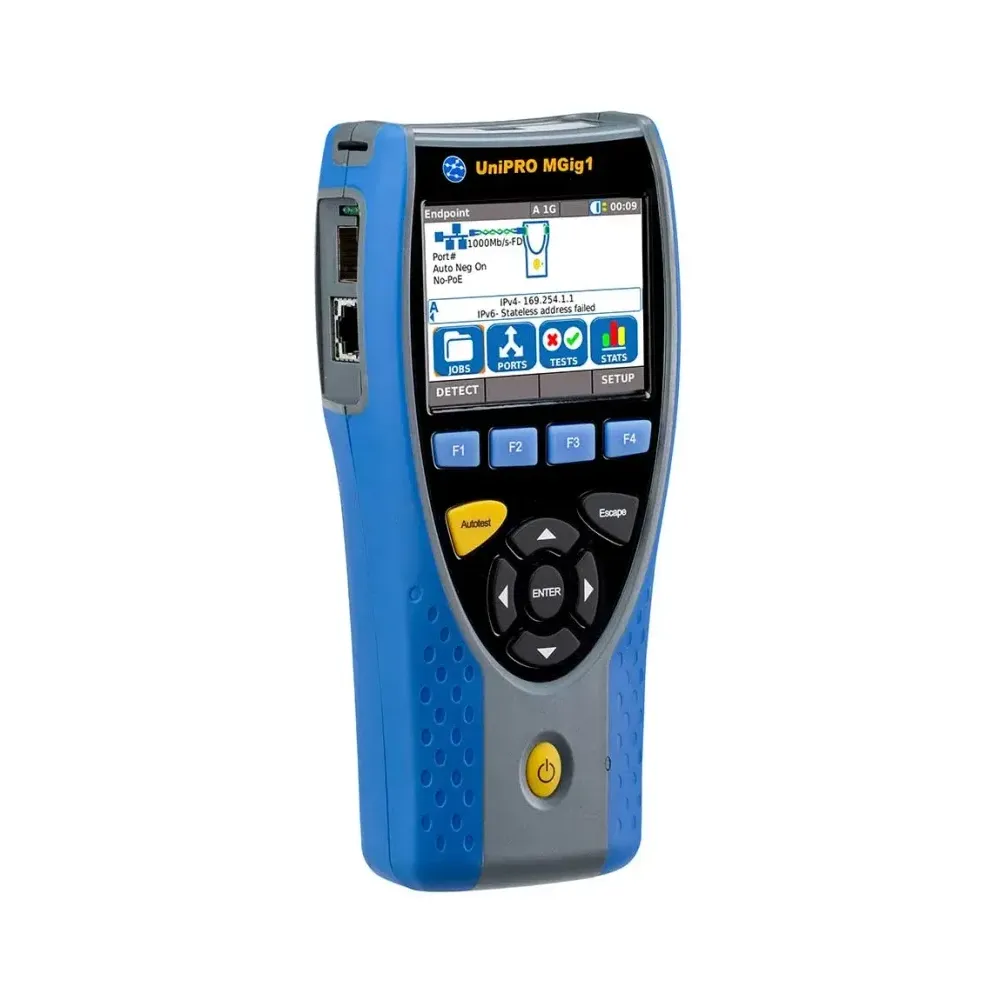
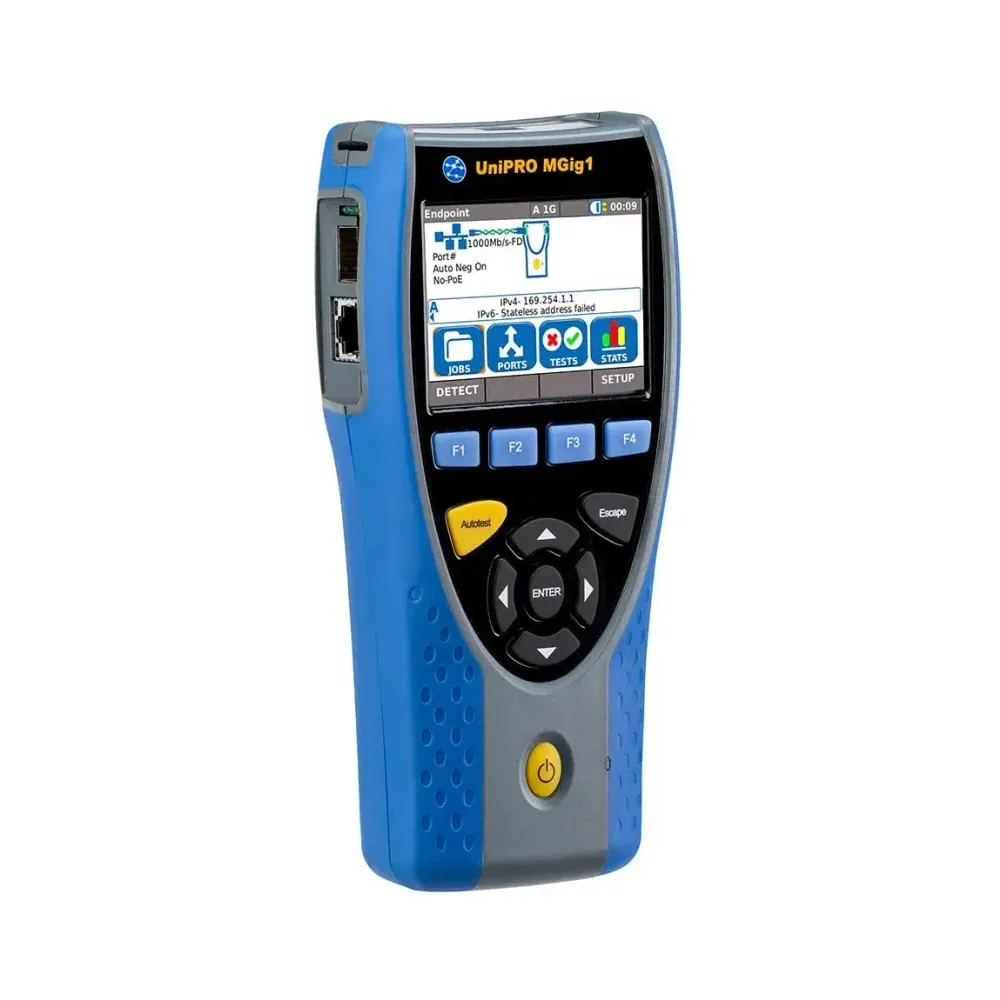
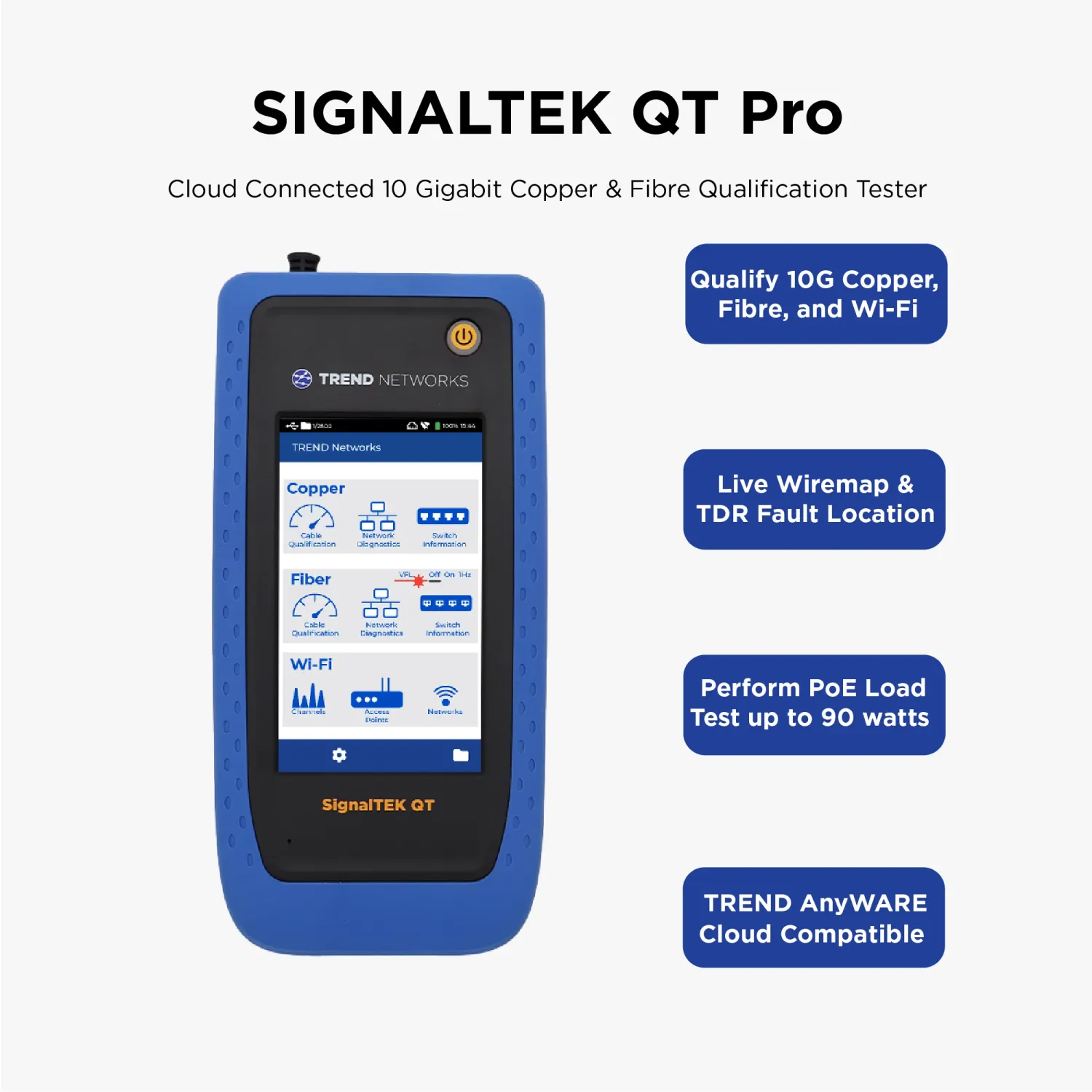
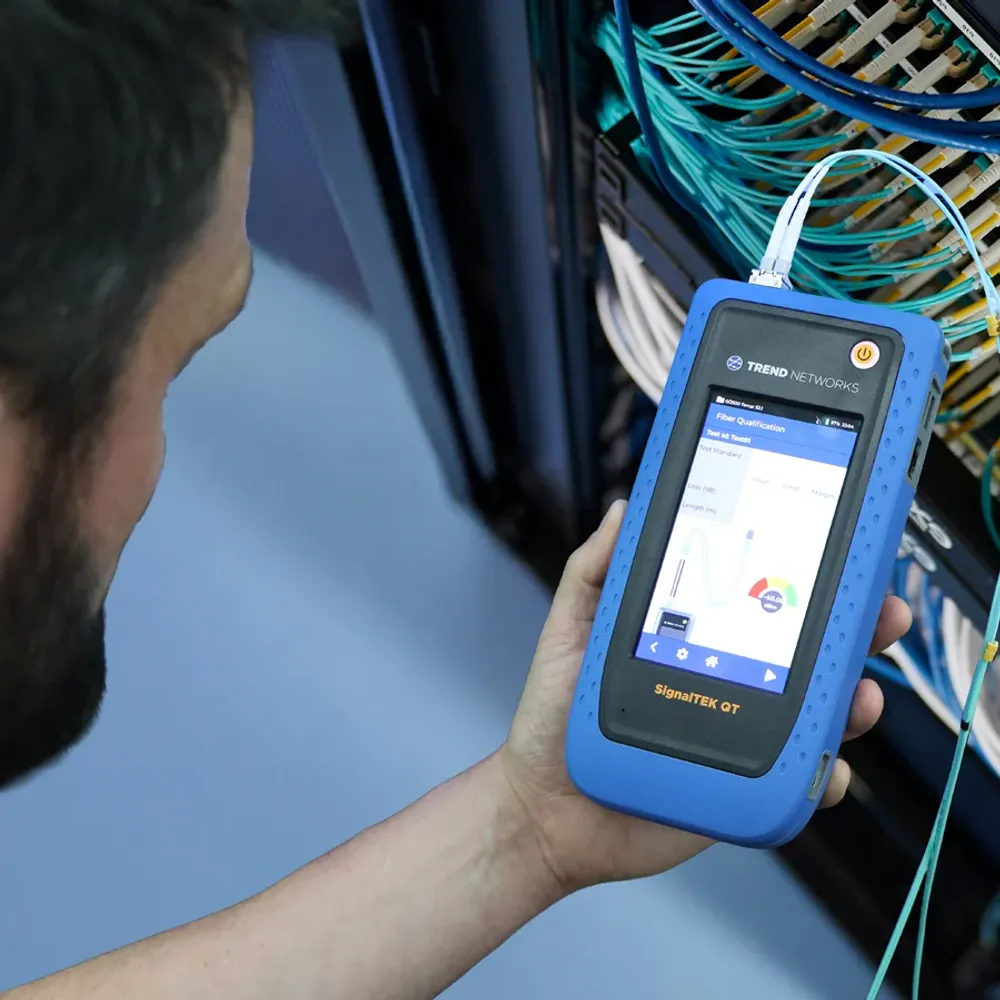
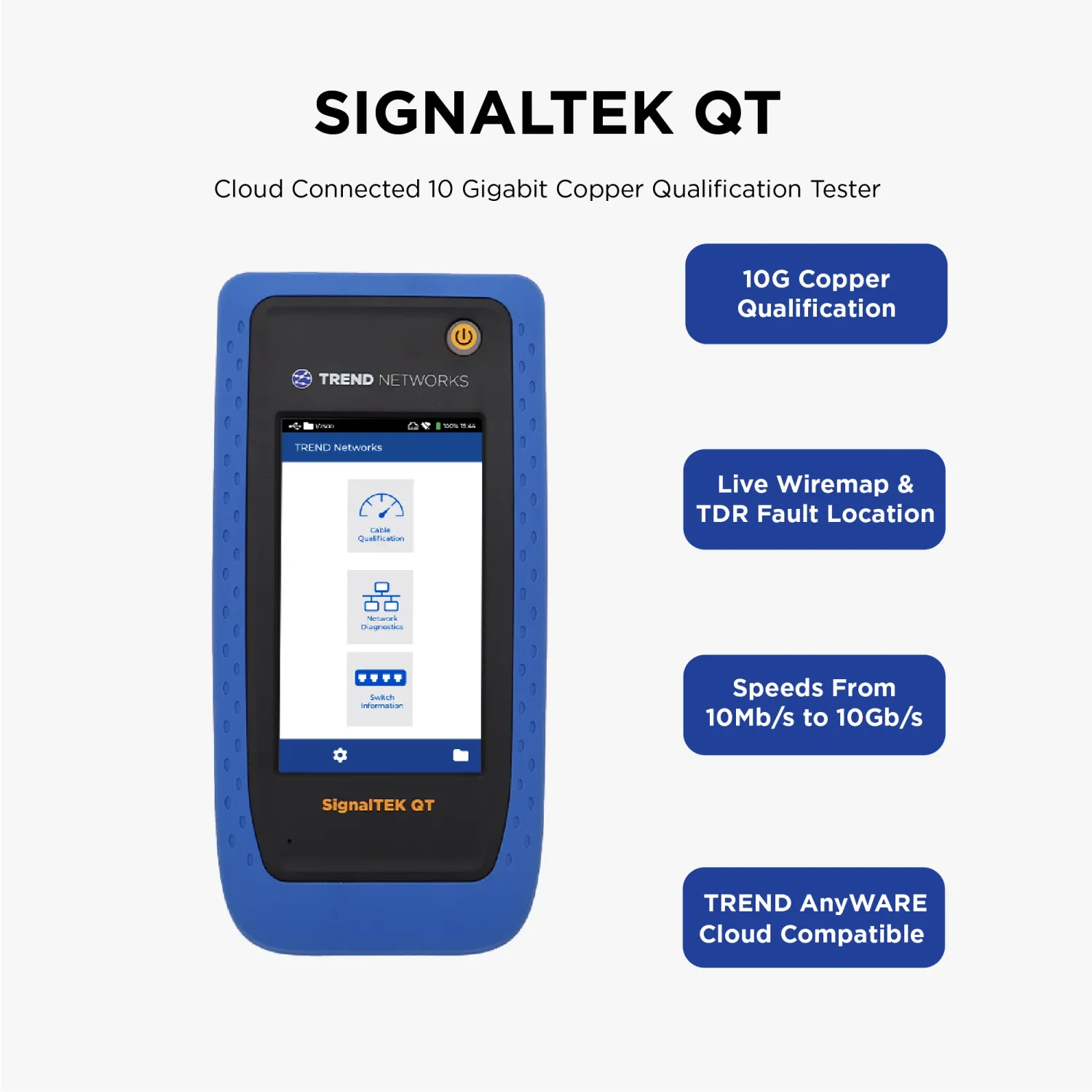
Qualifiers work in one of two ways. Some, such as Fluke Networks LinkIQ, make frequency-based measurements to show which Ethernet speeds a link supports, up to 10GBASE-T. Others, such as TREND Networks SignalTEK 10G, send real traffic across the link and measure throughput, which is why buyers also search for them as a network cable speed tester or bandwidth tester.
Copper Cable Certifiers
A cable certifier measures every parameter a cabling standard specifies and gives a pass or fail against Cat 5e, Cat 6, Cat 6A, or Cat 8 limits in ANSI/TIA-568 and ISO/IEC 11801.
A cable certifier performs standards-based measurements to determine whether an installed copper link complies with a specified cabling category or class. Depending on the category being tested, measurements can include:
- Insertion loss
- NEXT
- PS NEXT
- Return loss
- ACR-N
- ACR-F
- Propagation delay
- Delay skew
- Resistance
- Wiremap
- Length
- Shield integrity
Professional certifiers can test installations ranging from common Cat 5e, Cat 6, and Cat 6A systems through higher-performance cabling used in demanding network and data-center applications. Certifying Cat 8 to 2,000 MHz requires a tester that meets TIA Level 2G / IEC Level VI accuracy. The newest certifiers also measure TCL and resistance unbalance, which affect noise immunity and PoE performance.
The Fluke Networks DSX CableAnalyzer family is one of the best-known platforms in this category. Competing professional certification systems include TREND Networks LanTEK and many more.
PoE Testers
A Power over Ethernet (PoE) tester is a specialized diagnostic tool used to verify whether a switch port or injector delivers Power over Ethernet.
A PoE tester checks which IEEE type and class it offers, which pairs carry power, and whether it holds its rated load, up to 90 W for Type 4 PoE.
A capable PoE tester may identify the power source, PoE class, available power, pairs being energized and switch-port information. More advanced network and cable testers integrate PoE testing directly into their broader troubleshooting workflow.
Load testing is what separates a real PoE tester from a voltage indicator. A port can advertise a high class and still sag once a pan-tilt-zoom camera's motors and heater draw full power. A load test draws real power to prove the port and the cable can deliver it.
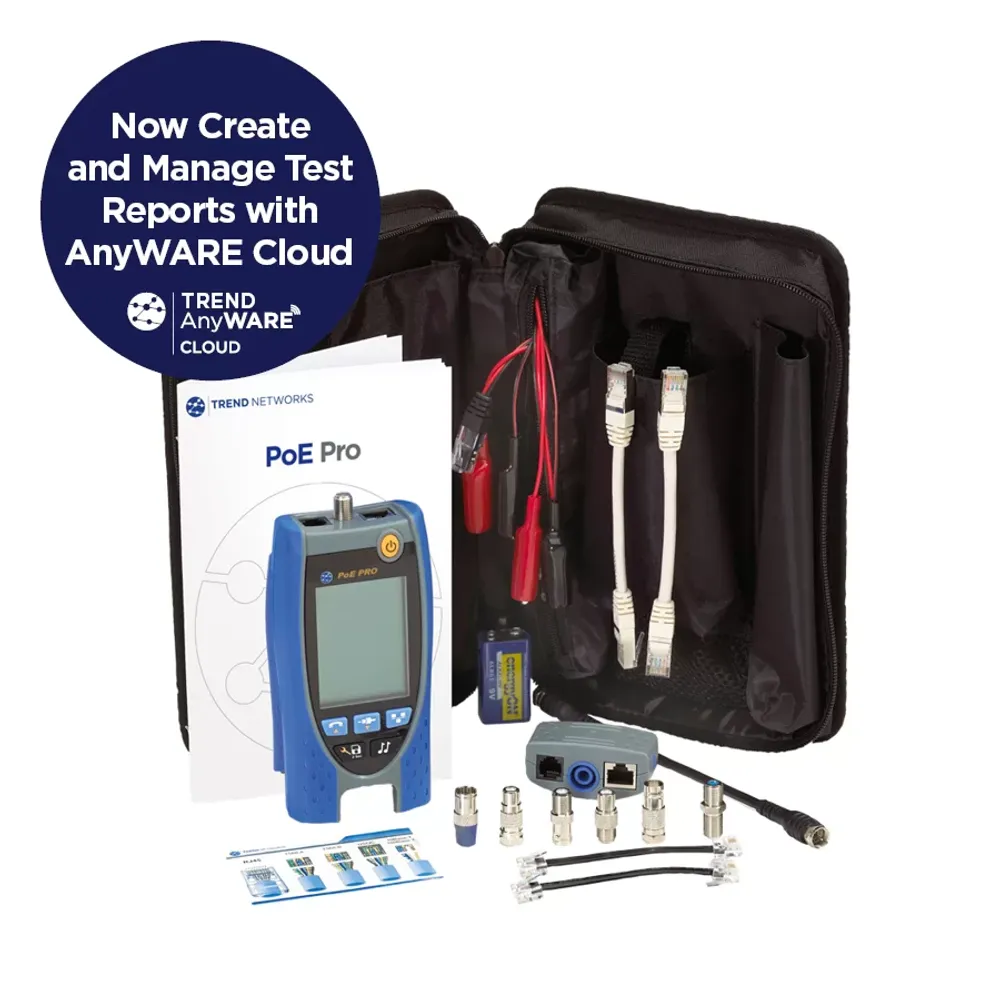
Many current testers from Fluke Networks like Fluke Networks MicroScanner PoE, Fluke Networks LinkIQ, and tester from TREND Networks like TREND Networks SignalTEK QT Pro, TREND Networks PoE Pro and NetAlly few models incorporate varying levels of PoE analysis.
Active Network and Ethernet Testers
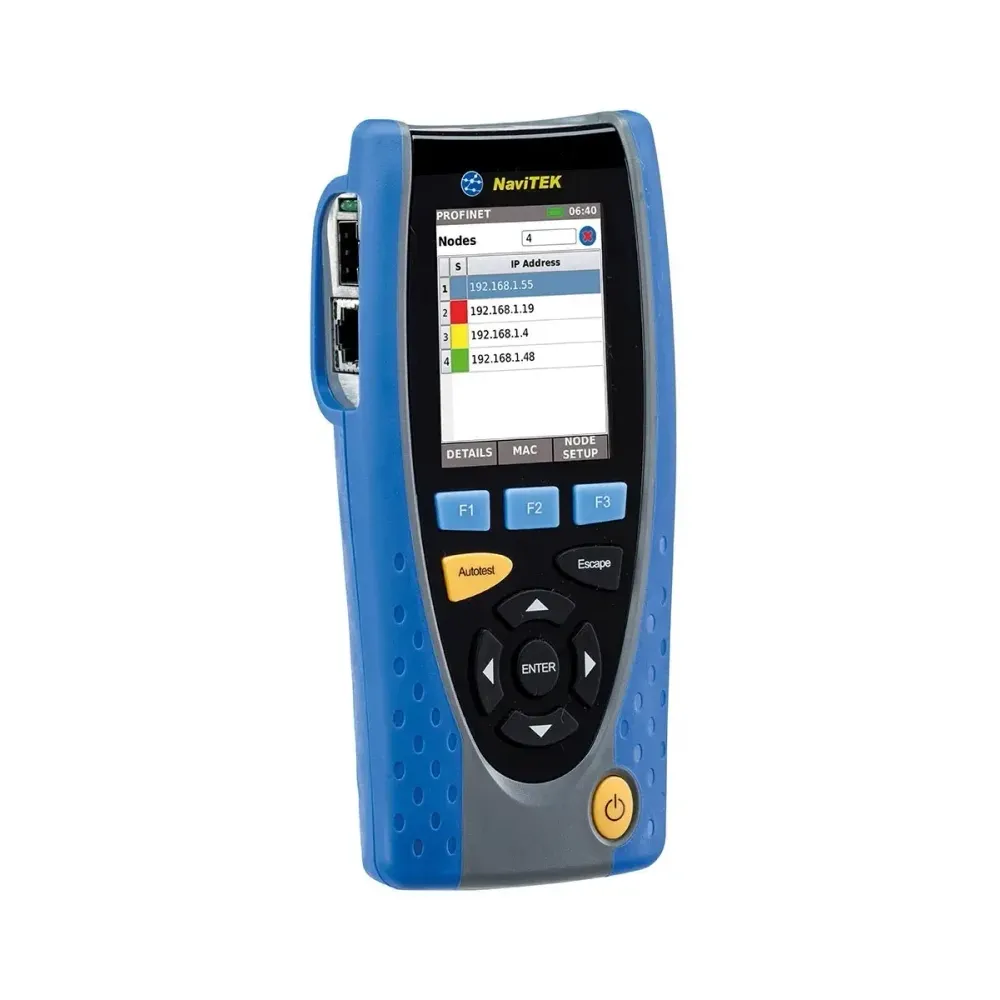
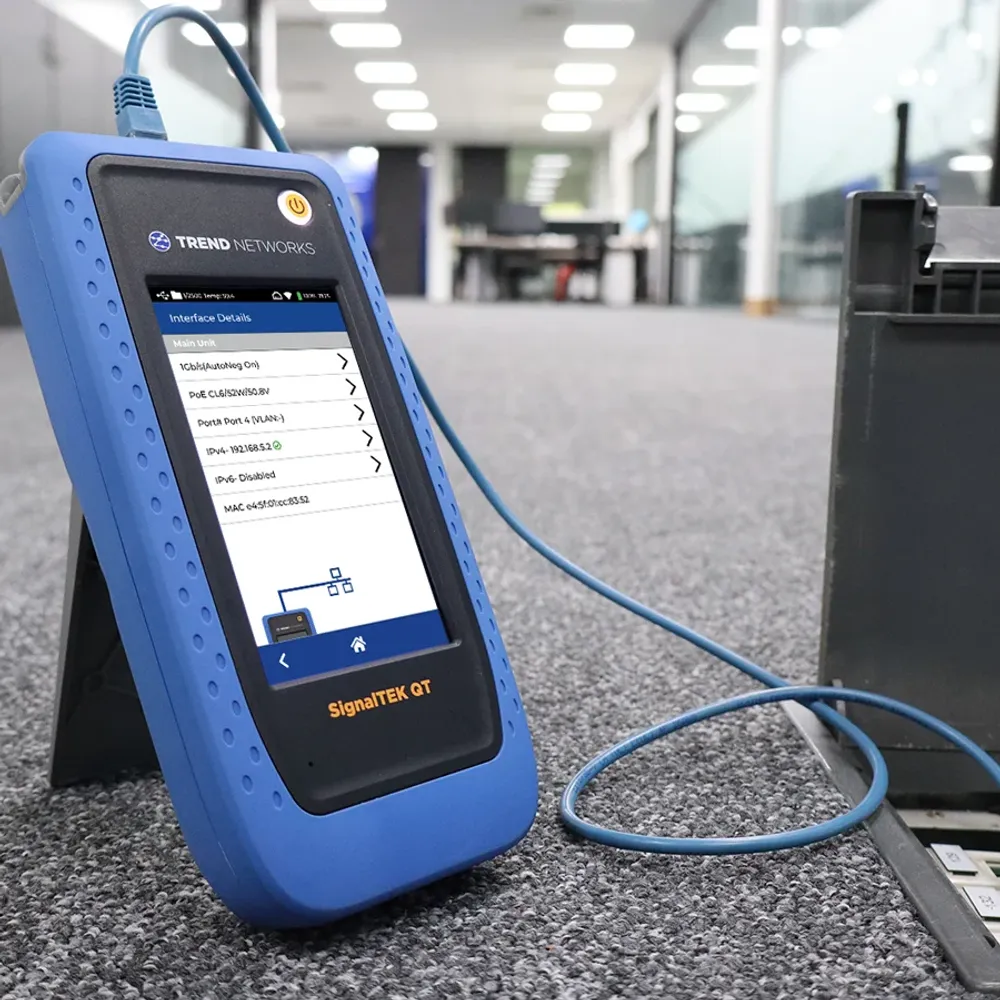
An Ethernet network tester plugs into a live switch port and tests the services running over the cable, such as link speed, switch and port identity, VLAN, DHCP, DNS, ping, etc. On advanced models, it also tests throughput and Wi-Fi.
Active network testers can help technicians investigate issues beyond the physical cable itself, including Ethernet connectivity, Switch identification, Switch port, VLAN information, Network traffic, and performance.
This category includes products from NetAlly, as well as network troubleshooting and transmission-testing instruments from Fluke Networks like LinkIQ and LinkIQ Duo, TREND Networks NaviTEK NT Pro, and other manufacturers.
How to Use a Network Cable Tester?
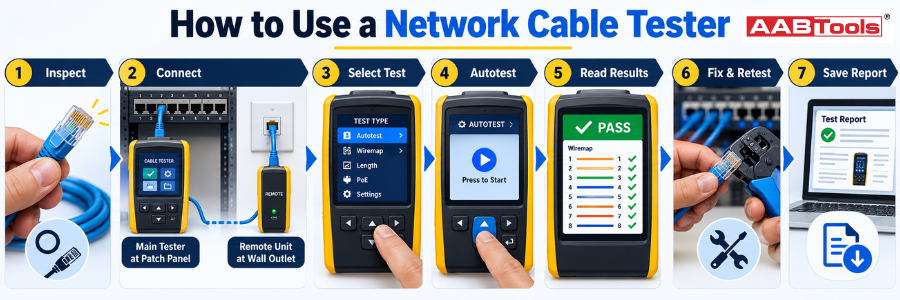
To use a network cable tester, connect the main unit to one end of the link and the remote to the other, run the test, then read the wiremap, length, and any fault distance. Save the result before moving to the next link.
- Make sure the link is safe to test - Disconnect PCs, phones, and other devices. Do not plug basic verifiers into live equipment. PoE testers and network testers such as LinkIQ or NaviTEK are designed for active ports.
- Inspect the cable and connectors. Look for crushed jackets, broken latches, and untidy terminations before you start.
- Connect both ends. Plug the main unit into the patch panel and the remote, or a numbered remote ID into the outlet. Use short, good-quality patch cords or the tester's own adapters.
- Choose the test. Most verifiers run automatically. On a certifier, select the cable type and the test limit, such as TIA Cat 6A Permanent Link, before you press Autotest.
- Run the test and read the result. Check the wiremap for opens, shorts, crossed, and split pairs, then the length and any distance to fault.
- Fix and retest. Re-terminate or replace the component nearest the reported fault, then test again until the link passes.
- Save and report. Name the link with its cable ID and save it. Certifiers and many qualifiers export PDF reports through LinkWare PC and LinkWare Live (Fluke Networks) or AnyWARE Cloud (TREND Networks).
Using a Fluke network tester? On a DSX CableAnalyzer, set up the job in ProjX first, with cable IDs, test limit and cable type, then run Autotest on each link and sync the results to LinkWare Live. On LinkIQ, test with the remote attached to see cable performance, or plug into a live port to see PoE and nearest-switch details.
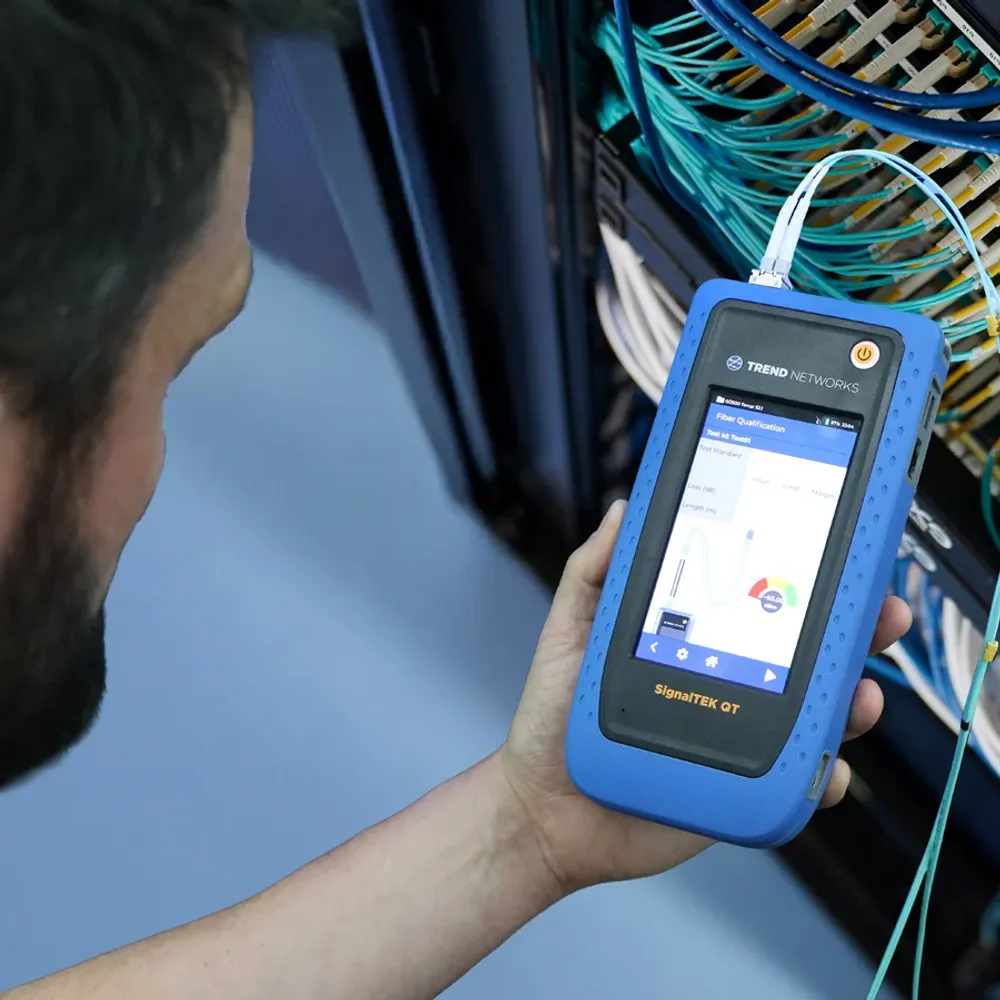
How to Choose the Right Network Tester?
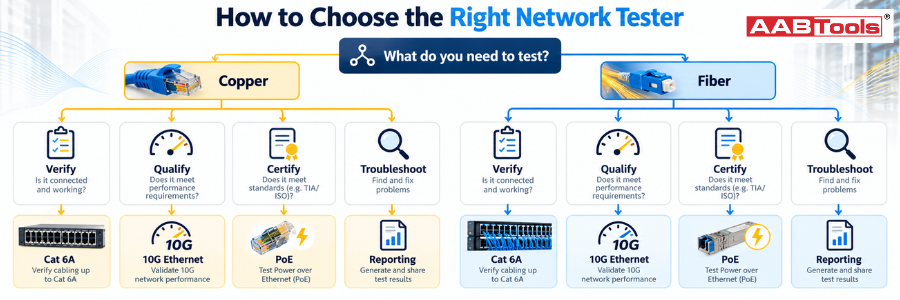
Start with the job, not the tester. Decide whether you need to verify, qualify, or certify copper, fiber, or both, and whether a customer needs a formal report.
Before selecting a tester, start with the network and the job you need to do. For a structured cabling installer working on Cat 6A projects, a standards-based copper certifier may be essential. An IT technician troubleshooting office Ethernet connections may instead benefit from a qualification or active network tester.
- Copper, fiber – determine the physical infrastructure being tested.
- Verification, qualification or certification – establish whether it simply needs to find faults or formally certify the installation.
- Required cabling category – such as Cat 6, Cat 6A, or higher-performance systems.
- Network speed – especially when qualifying existing links for higher Ethernet speeds.
- Single-mode or multimode fiber and the wavelengths that need to be tested.
- Fiber architecture including duplex LC and high-density MPO/MTP infrastructure.
- PoE requirements, particularly for cameras, Wi-Fi, access control, and smart-building systems.
- For Documentation, determine whether customer-facing certification reports are required.
- Considering testing volume, test speed becomes increasingly important on projects containing hundreds or thousands of links.
- Software and reporting – consider how results are stored, managed, exported, and shared.
Buy POE Tester in UAE
Buying Network Testers From AABTools UAE
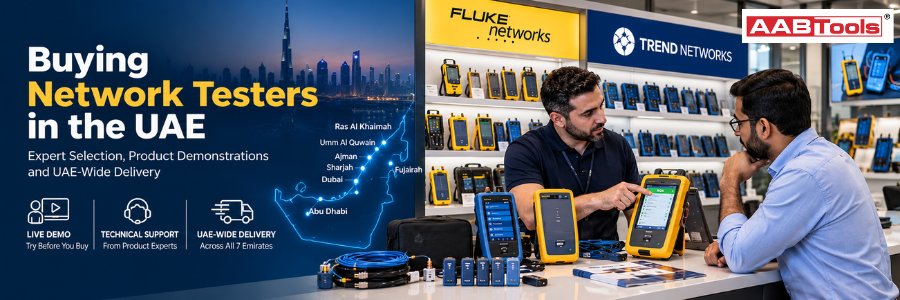
At AABTools, we are your trusted one-stop solution for all your network testers and certification instruments. As a supplier of leading brands such as Fluke Networks and TREND Networks, we offer a comprehensive range of cable verifiers, qualification testers, cable certifiers, PoE testers and fiber-optic testers, all under one roof. Our expert customer support team is ready to help you find the right instrument for your specific application, whether it's Cat 6A certification, multi-gig and PoE troubleshooting, fiber backbone testing or data-center commissioning. We deliver across all seven Emirates, including Dubai, Abu Dhabi and Sharjah. Visit the AABTools Experience Centre to get hands-on experience with our network testers today.
Buy Fusion Splicers in UAE
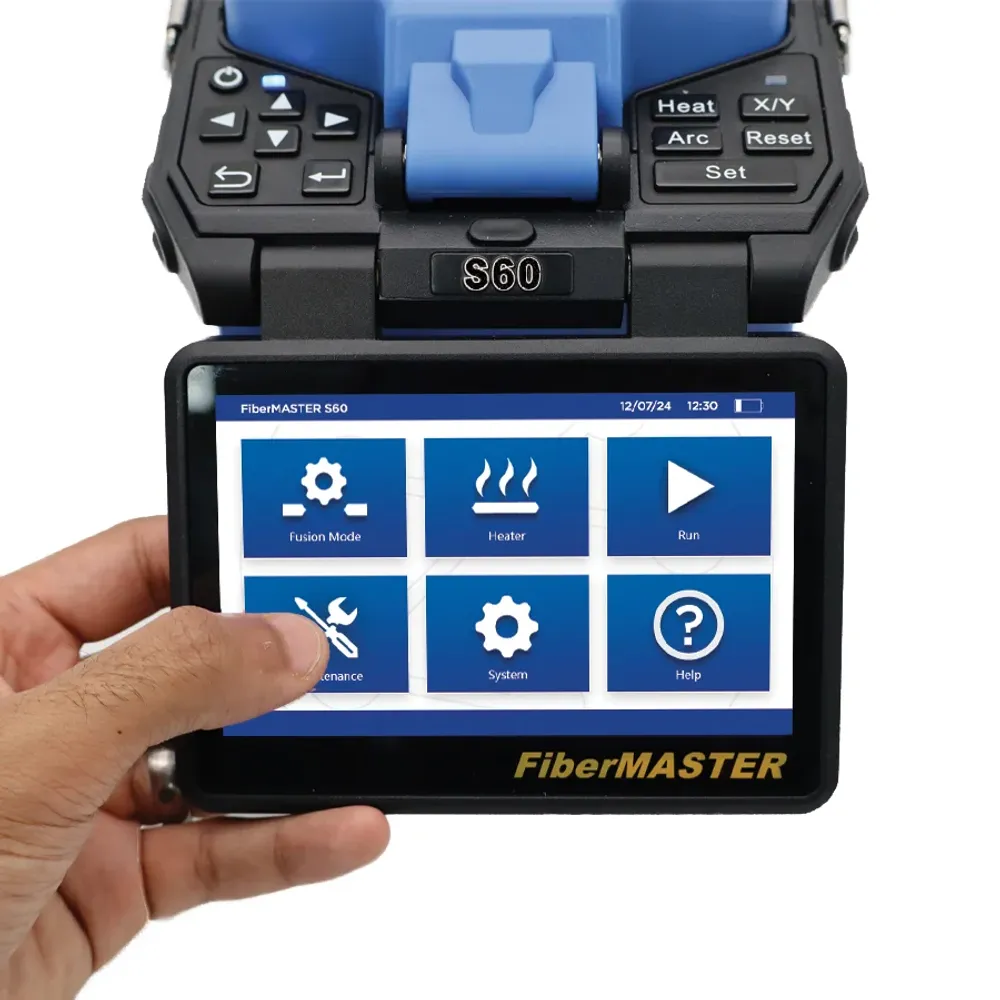
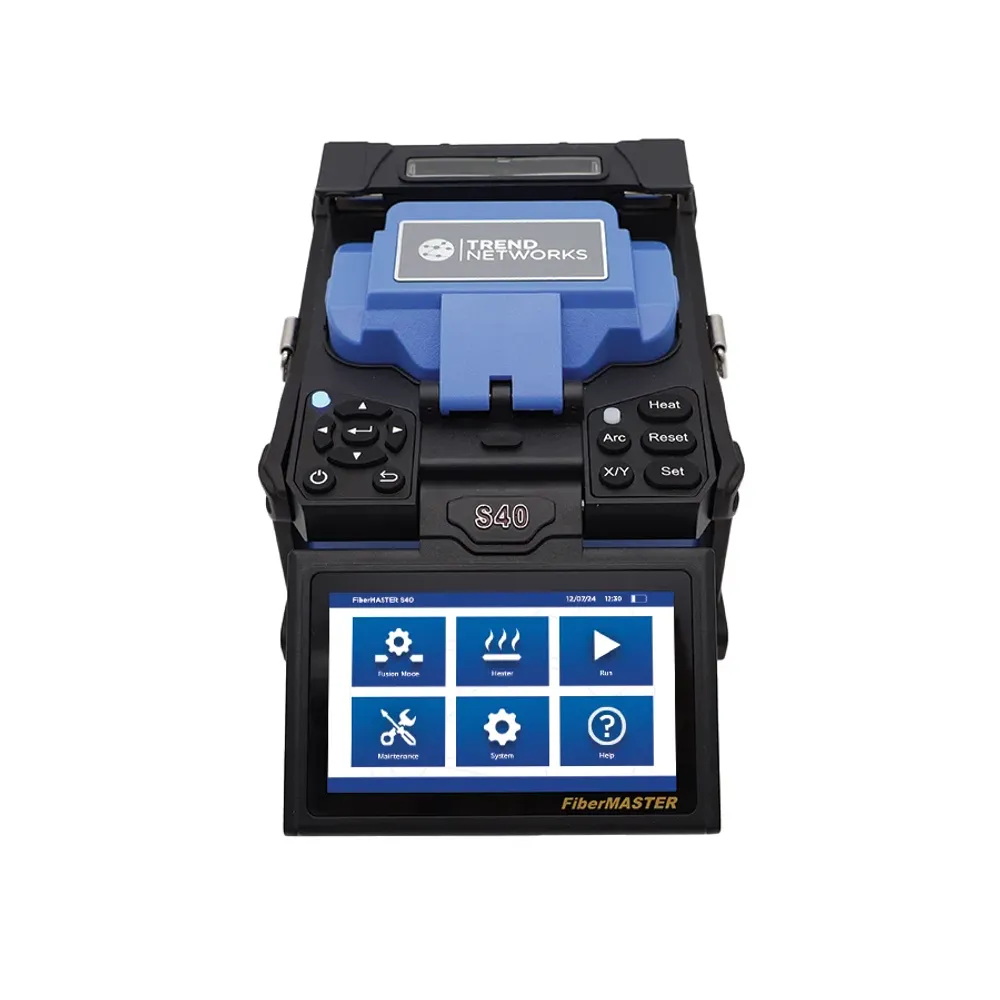
Comparison
| Specification | Primary question No image | Fluke Networks pick No image | TREND Networks pick No image |
|---|---|---|---|
| Cable verifier | Is the cable connected and terminated correctly? | MicroScanner2 | VDV II Pro |
| Cable qualification tester | Can this link support the required network application? | LinkIQ | SignalTEK QT Pro, SignalTEK 10G |
| Cable certifier | Does the installed cabling comply with the required standard? | DSX2-5000, DSX2-8000 | LanTEK IV-S |
| PoE tester | What PoE power and capabilities are available? | MicroScanner PoE, LinkIQ | PoE Pro |
| Network tester | What is happening on the active Ethernet network? | LinkIQ Duo | NaviTEK NT Pro |
| Optical power meter | How much optical power is present? | SimpliFiber Pro | FiberMASTER Power Meter |
| OLTS | Does the fiber link meet its optical loss requirements? | CertiFiber Pro | FiberTEK IV |
| OTDR | Where are the events, losses and faults along the fiber? | OptiFiber Pro | FiberMASTER OTDR |
| Fiber inspection probe | Is the connector end face clean and acceptable? | FI-7000 FiberInspector Pro | FiberMASTER inspection probe |
| MPO/MTP tester | Are multifiber links correctly mapped and performing within limits? | CertiFiber Max, MultiFiber Pro | Consider VIAVI MPOLx or EXFO FTB Lite 975 |
| Industrial Ethernet tester | Is the industrial link, and its PROFINET network, healthy? | LinkIQ-IE, DSX IE kit | NaviTEK IE |
Frequently Asked Questions
What is a network tester?
A network tester is a handheld instrument that checks copper or fiber links, or the live network running over them. Types range from simple cable verifiers that check wiring, through qualifiers and certifiers that prove speed and standards compliance.
What is a network cable tester used for?
A network cable tester checks that an Ethernet cable is wired and terminated correctly. It finds opens, shorts, crossed pairs, split pairs, measures length, and, on better models, shows the distance to a fault.
How does a network cable tester work?
A main unit at one end sends a signal down each wire to a remote unit at the other end and checks that it arrives on the correct pin, which builds the wiremap. Testers with TDR also time a reflected pulse to measure length and distance to faults.
What is the best network cable tester?
For everyday verification, the Fluke Networks MicroScanner2 and TREND Networks VDV II Pro are leading choices. For multi-gig qualification, choose Fluke Networks LinkIQ or TREND Networks SignalTEK QT Pro.
What is the best Fluke network tester?
Choose MicroScanner2 as your everyday Fluke network cable tester for verification, LinkIQ or LinkIQ Duo for qualification and quick network troubleshooting, and MicroScanner PoE for PoE work